 AdminerThe lightest full-page database console.Checking live status…
Free database tool
Online MySQL client & browser tools
Use a free online MySQL client, or launch phpMyAdmin and Adminer with SSH tunnel support when shared hosting blocks direct remote MySQL access.
01 · Verify and connectInspect when you must.
Inspect when you must.
Leave no profile.
This focused explorer browses databases, schema objects, server-generated definitions, paginated rows, explicit exact counts, and current-session history. It deliberately has no SQL editor or write command. The hosted path is for occasional, last-resort inspection: after Turnstile and your click, the Kubernetes gateway opens one read-only MySQL session for no more than one hour.
◎ Fresh verification◌ No saved password◇ One-hour maximum
Server-hosted MySQL web apps
phpMyAdmin and Adminer with SSH tunnel support
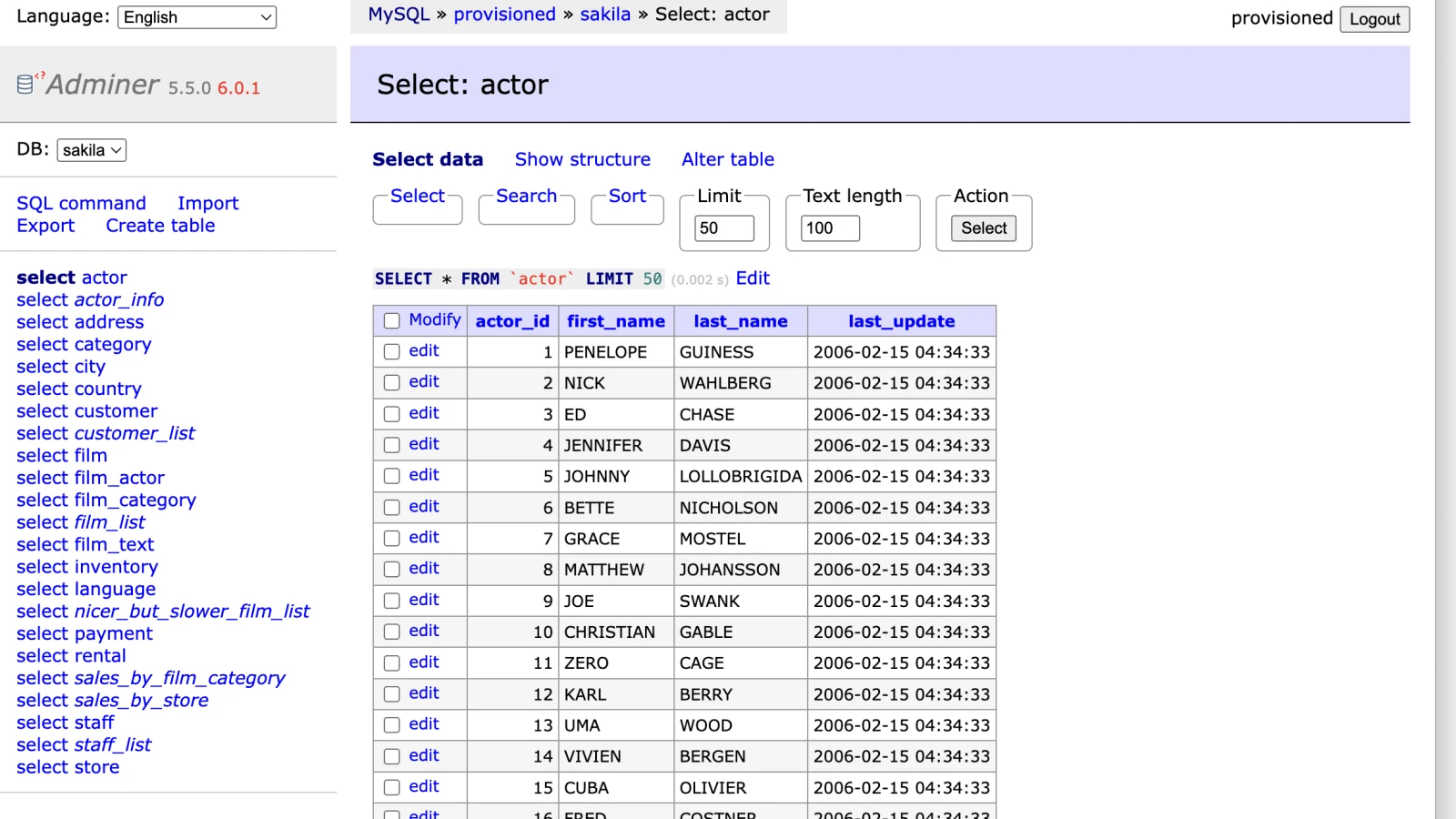
Launch a private instance through SSH when shared hosting or a firewall blocks direct remote MySQL access. Each demo image below opens the full community-edition app with dedicated read-only Sakila data; do not enter private data.
AdminerThe lightest full-page database console.Checking live status…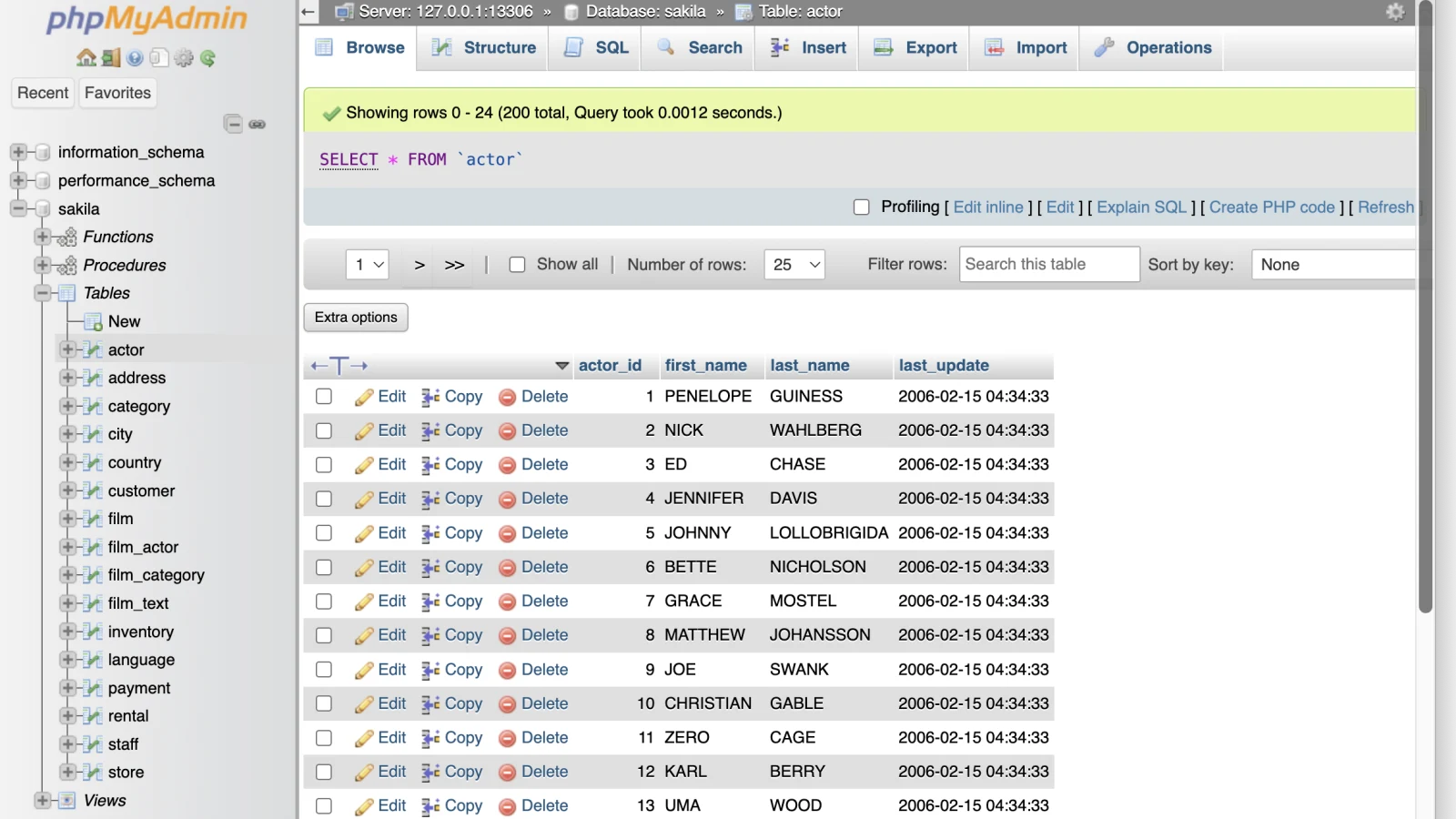 phpMyAdminThe familiar web interface for MySQL.Checking live status…
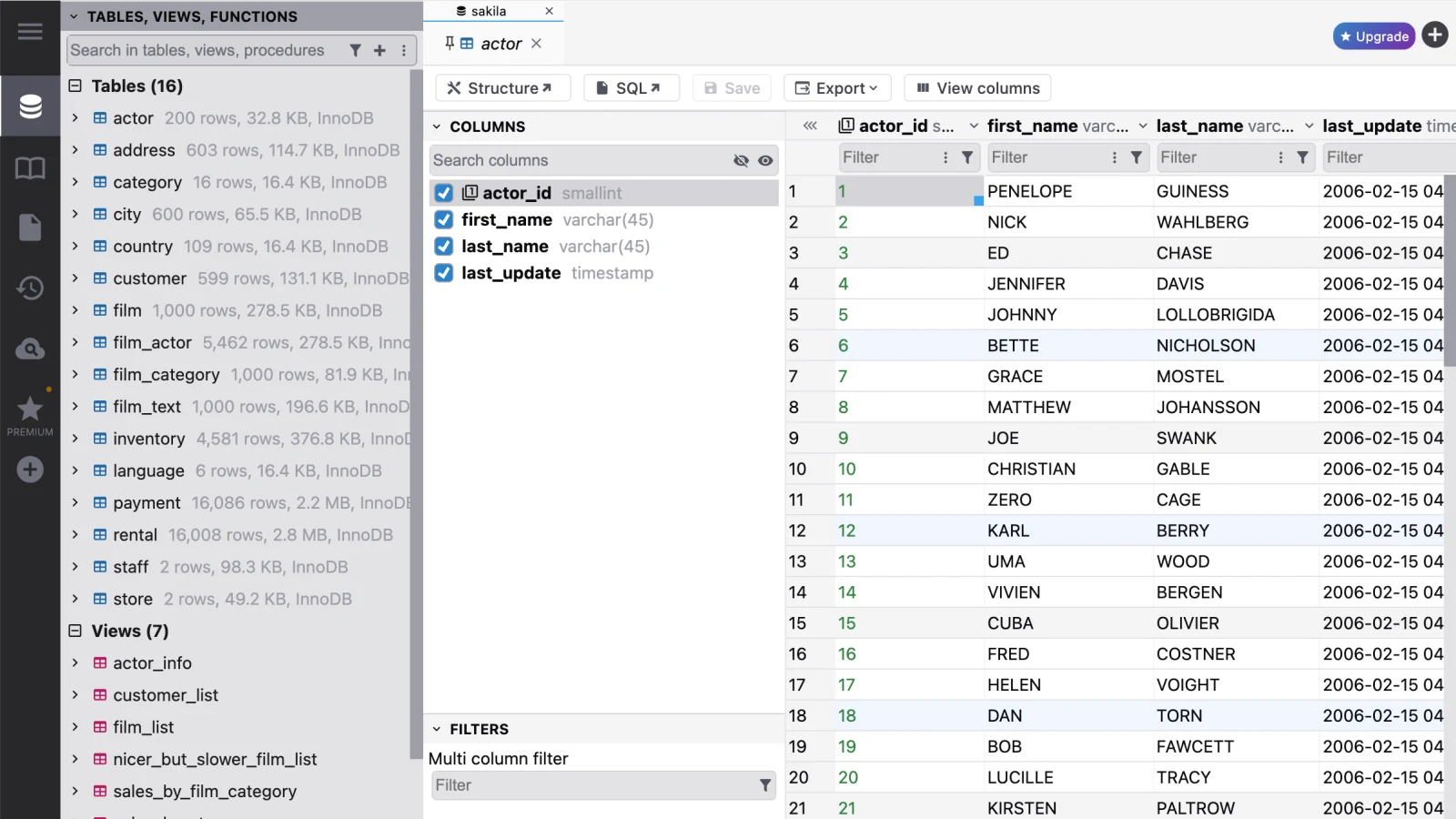 DbGateA modern multi-panel database workspace.Checking live status…
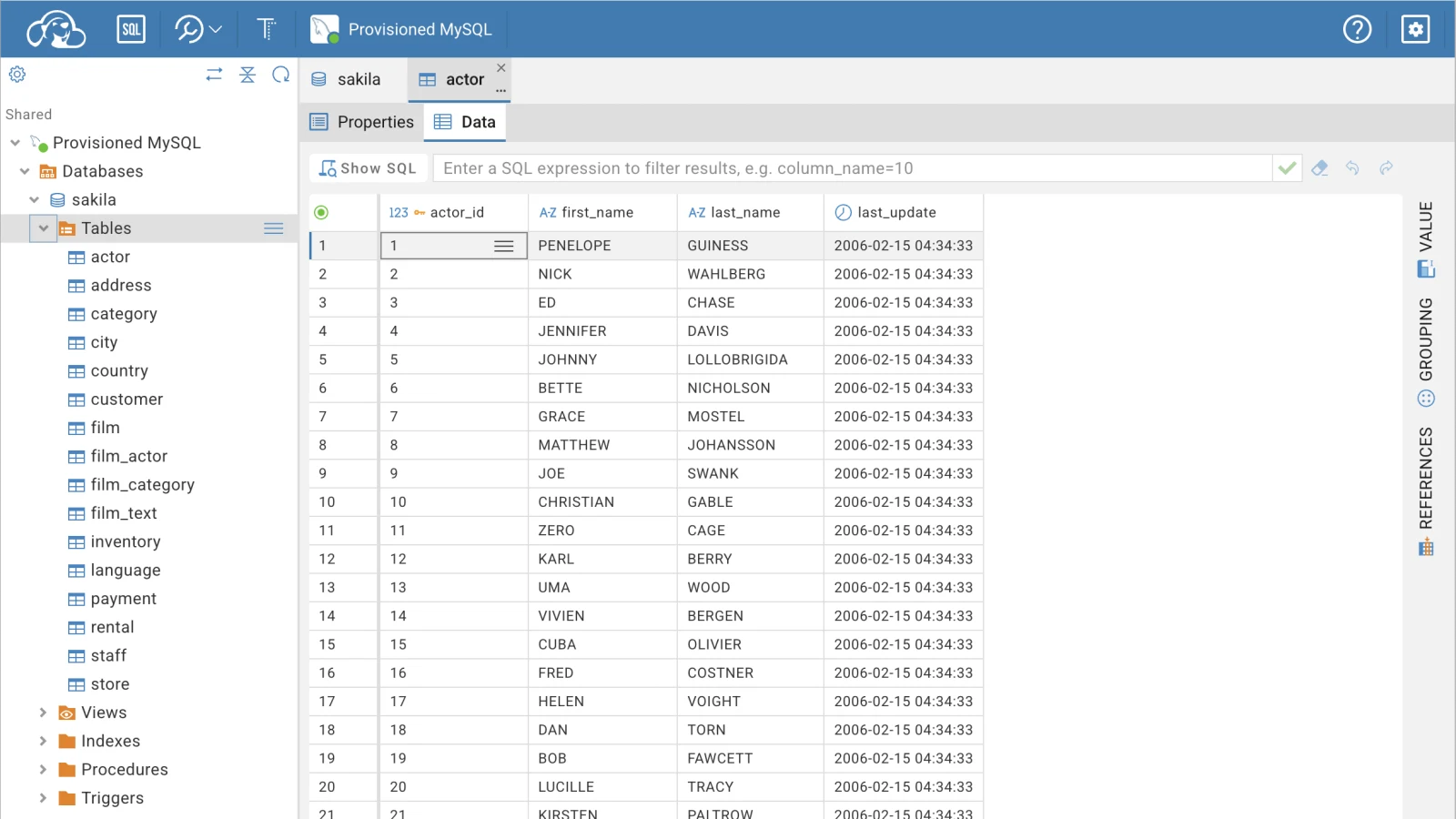 CloudBeaverA full community data-management workspace.Checking live status…
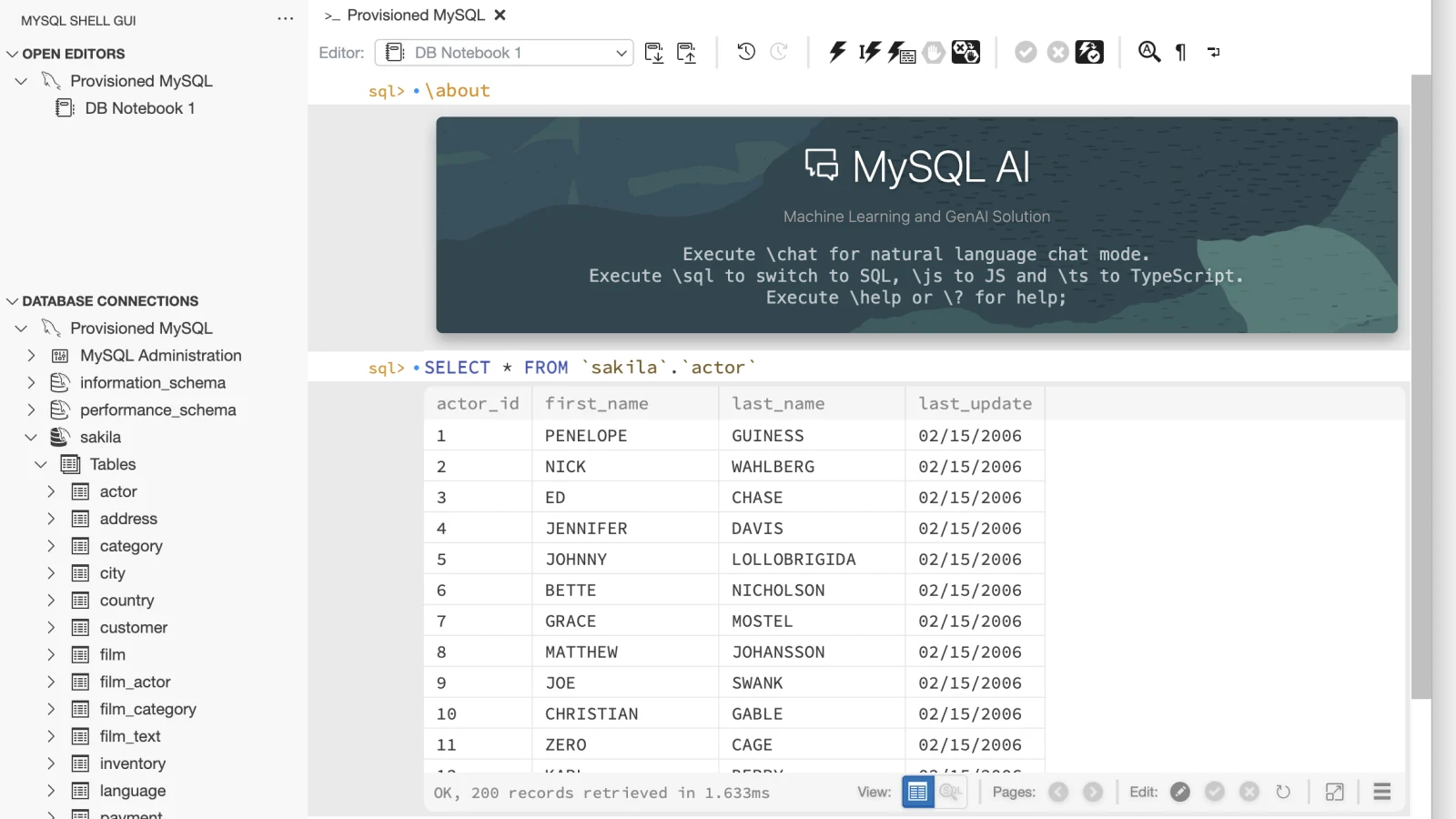 MySQL Shell GUIA hardened graphical workspace for MySQL Shell.Checking live status…
Need one of these tools for your own authorized database? Compare temporary online phpMyAdmin and Adminer instances with built-in SSH forwarding, plus DbGate, CloudBeaver, and MySQL Shell GUI, in the mysql.odmin.biz client guide. The guide is public; connection details still belong only in the launcher form.
Your connection, your instance
Need any of these tools through SSH?
Launch a private Adminer, phpMyAdmin, DbGate, CloudBeaver, or MySQL Shell GUI instance through a verified SSH tunnel. Instances are free, but deliberately limited to a small shared pool. Verify once to see the live number of launch slots and continue.
About this tool
What online mysql client & browser tools does
Use the focused read-only online MySQL client for occasional inspection of your own authorized database, or launch isolated server-hosted phpMyAdmin and Adminer with an SSH tunnel when shared hosting or a firewall blocks direct remote MySQL access. Separate live demos use dedicated Sakila sample data and must not receive private data. The explorer browses schema objects, database and object DDL, metadata, and paginated rows without saving a connection profile.
How it works
The browser always reaches the odmin.biz MySQL gateway at mysql2.odmin.biz over authenticated WSS/TLS. Fresh Turnstile is verified before every user or Real-demo connection and every SSH tunnel diagnostic. Direct mode pins one validated public MySQL address. User SSH mode instead pins one public SSH endpoint with a configurable port, enforces an optional SHA-256 host-key pin or asks you to confirm the observed fingerprint for that attempt, asks the browser to sign a validated authentication challenge with a selected Ed25519 or RSA key that never leaves your machine, and opens one MySQL-only forwarding channel. Test SSH tunnel opens that exact channel and closes it without a MySQL payload; Test database connection performs the normal transport, read-only setup, and initial metadata read before closing. The recommended Real demo sends no connection fields and uses only a fixed, dedicated backend read-only account and optional gateway-held SSH key; the local Sample data demo makes no network request. The gateway uses the selected MySQL transport, sets the session default transaction mode to read-only, and exposes only structured metadata, bounded database/object definition and row reads, database refresh, and an explicit exact count—not arbitrary SQL. If you select a database, the explorer and refresh stay scoped to it; omitting the database shows the account-visible list. Exact COUNT(*) runs only when you press Count rows exactly and can be expensive. Fetched groups show their exact loaded child count without another SQL query. The explorer sidebar is resizable and collapsible, with its width kept only in current-session memory. Once connected, the workbench can fill the browser window and exits that view from its toggle or the Escape key. Structured operations remain inside the verified live session, which ends after fifteen minutes idle or one hour total. Reconnection requires a fresh challenge. The browser keeps at most 100 generated operation summaries and a user-expandable debug result capped at 32 KiB per entry in current-session memory.
Common uses
When to use it
- Launch phpMyAdmin or Adminer through an SSH tunnel when shared hosting blocks direct remote MySQL access
- Inspect a public development or staging schema when a normal database client is unavailable
- Reach one private MySQL target through a trusted public SSH bastion without uploading the private key
- Review database, table, and view DDL, columns, types, grouped indexes, generated index statements, foreign keys, constraints, triggers, and partitions
- Try the real gateway against a fixed non-sensitive demo or explore realistic entirely local sample data
- Refresh the selected database or account-visible database list and review generated read operations from the current session
- Read formatted routine, event, trigger, and view definitions
- Browse table or view rows with server-side sorting and pagination
Scope
Limits to know
- This is an occasional inspection fallback, not a replacement for a trusted, managed database client
- Every connection and SSH diagnostic requires fresh Turnstile; live sessions end after fifteen minutes idle or one hour total
- Direct MySQL and SSH bastion endpoints must be public; a private or loopback MySQL target is accepted only through SSH
- SSH supports OpenSSH Ed25519/RSA, traditional unencrypted PKCS#1 RSA, and unencrypted PKCS#8 Ed25519/RSA keys
- A supplied host-key fingerprint should be verified separately; without one, accepting the fingerprint observed on the current connection is vulnerable to first-connection interception
- The private key stays in the browser, but browser code cannot interpret the opaque SSH session identifier and trusts the reviewed gateway to bind each signature request to the selected SSH host
- Verified TLS requires a certificate that chains to a publicly trusted CA and matches the selected identity
- The browser-to-mysql2.odmin.biz leg always uses authenticated WSS/TLS; SSH separately protects the gateway-to-bastion leg
- Unverified MySQL TLS does not authenticate the selected database and plaintext has no MySQL-layer protection beyond the SSH server
- Custom CA connections are not implemented and no transport mode falls back automatically
- The history lists only generated explorer operations and capped debug results from the current session; it is not the MySQL server's general query log
- The explorer is intentionally read-only and does not include a raw SQL editor
- The five-session-per-IP memory limit is enforced per gateway process, not as a globally coordinated counter
- Sorting large unindexed columns and an explicit exact row count may be expensive, and offset pages can change while a table is updated
Worked example
Example input and result
Use the built-in explorer demo, open a full server-hosted web app with sample data, or connect the lightweight explorer with a dedicated read-only account.
Input
db.example.com:3306 · readonly · sales
Result
sales → Tables → customers → Columns / Indexes / Foreign keys
customers · 25 rows on this page · 86 exact total after Count rows exactly
Quick answers
Online MySQL client & browser tools FAQ
Does the service receive my MySQL password?
Yes, transiently. After Turnstile and Connect, the password crosses the authenticated WSS/TLS connection from your browser to the odmin.biz MySQL gateway at mysql2.odmin.biz and exists in gateway and mysql2 client memory for authentication. It is not persisted, logged, placed in a URL, or retained for reconnect.
Does my SSH private key leave my machine?
No. For a connection you configure, the selected key file and passphrase stay in current-tab browser memory on your machine. The gateway receives the derived public key and asks the browser to sign a bounded SSH authentication challenge. Browser code validates the username, service, method, algorithm, and public key before signing; only the signature returns. The gateway remains trusted to bind the opaque SSH session identifier to the selected host. The separate Real demo can use its own deployment key held only in a Kubernetes Secret and the gateway; that key never enters your browser.
How are the lightweight and full hosted demos different?
The lightweight explorer has two choices: Open real demo requires fresh Turnstile and exercises the bounded read-only gateway with fixed server-side credentials, while Open sample data is a local in-browser simulation. The Adminer, phpMyAdmin, DbGate, CloudBeaver, and MySQL Shell GUI images below it open separate full community tools hosted on isolated server instances. Those available links all use the dedicated read-only Sakila dataset and must not receive private data.
Do phpMyAdmin and Adminer support SSH tunnels?
Yes. The private-instance launcher at mysql.odmin.biz can connect phpMyAdmin and Adminer through an SSH tunnel, which is useful when shared hosting or a firewall blocks direct remote MySQL access. It verifies the SSH forwarding route and database login before creating the isolated instance. The public Sakila demos use their fixed operator-configured connections instead.
Why does this use a gateway?
Browsers cannot speak the raw TCP protocol used by MySQL. The opt-in Node gateway provides that narrow bridge and exposes only the explorer's structured read operations. Use it as an occasional fallback when a normal trusted client is unavailable.
Why is Turnstile required?
The connection originates from the odmin.biz Kubernetes gateway rather than your device IP. Fresh verification is required for every connection attempt to limit anonymous abuse without registration.
How long does a MySQL session last?
At most one hour, or fifteen minutes when idle. After either limit the database connection and in-memory session state are cleared, and reconnecting requires a fresh Turnstile challenge.
Can a link prefill MySQL connection fields?
Yes. Append a #mysql? fragment to https://odmin.biz/tools/mysql-client. It may contain route, host, port, username, and database; route=ssh may also contain ssh=username@host, configurable sshPort, and an optional sshHostKeySha256 pin. The browser removes it immediately after parsing. It rejects passwords, private keys, passphrases, TLS state, consent, and Turnstile tokens, and never connects automatically.
Can I connect by IP or use a private CA?
A public IPv4 or IPv6 literal is accepted, and verified TLS may use an expected server name when its publicly trusted certificate identity differs from that address. Custom CA connections are not implemented. Explicit unverified TLS and plaintext modes are available only after acknowledging their warning on every attempt.
What do the unsafe transport modes expose?
They do not weaken the browser-to-mysql2.odmin.biz connection, which always uses authenticated WSS/TLS. They apply only from the odmin.biz MySQL gateway to the selected MySQL server. On that leg, unverified TLS encrypts traffic but does not prove which server answered; plaintext also exposes the authentication exchange, metadata, definitions, and rows.
What does a MySQL connection error mean?
The sanitized message identifies the failed stage without exposing raw server details: browser-to-gateway availability, gateway-to-selected-host reachability, MySQL handshake, TLS availability, verified-certificate trust or identity, a server requirement for secure transport, account or database access, or a connection limit. Transport-mode errors affect only the gateway-to-selected-server leg.
Can this client change data or run arbitrary SQL?
No. Its protocol has no mutation or raw SQL operation, and the gateway sets the session default transaction mode to read-only before serving reads. Use a dedicated read-only MySQL account as the separate database authorization boundary.
How can I connect to a private MySQL server?
Enable Connect through SSH tunnel, enter the public bastion as username@host with its configurable SSH port, browse to a supported Ed25519 or RSA private key, and enter the MySQL host as seen from that SSH server. A host-key pin is optional: supply a separately verified SHA-256 fingerprint when available, or confirm the observed fingerprint for that attempt. The gateway opens one MySQL-only forwarding channel and exposes no SSH shell, command, SFTP, or general proxy.
What do the connection test buttons do?
Test SSH tunnel authenticates and opens only the exact entered MySQL forwarding channel, then closes it without sending a MySQL payload or opening an SSH shell/session channel. Test database connection performs the normal selected transport, read-only session initialization, and initial metadata read, then closes. Both require fresh Turnstile and retain the selected browser-only key for retry.
Can the connected explorer fill the browser window?
Yes. Use Full screen in the connected workbench title bar. Use Exit full screen or press Escape to return to the page.